Stay in the loop
We only use your address to send the newsletter. Unsubscribe whenever you like. See our privacy policy.
Subscribed! See you in your inbox.
Something went wrong. Try again, or call us on +32 2 888 33 00.
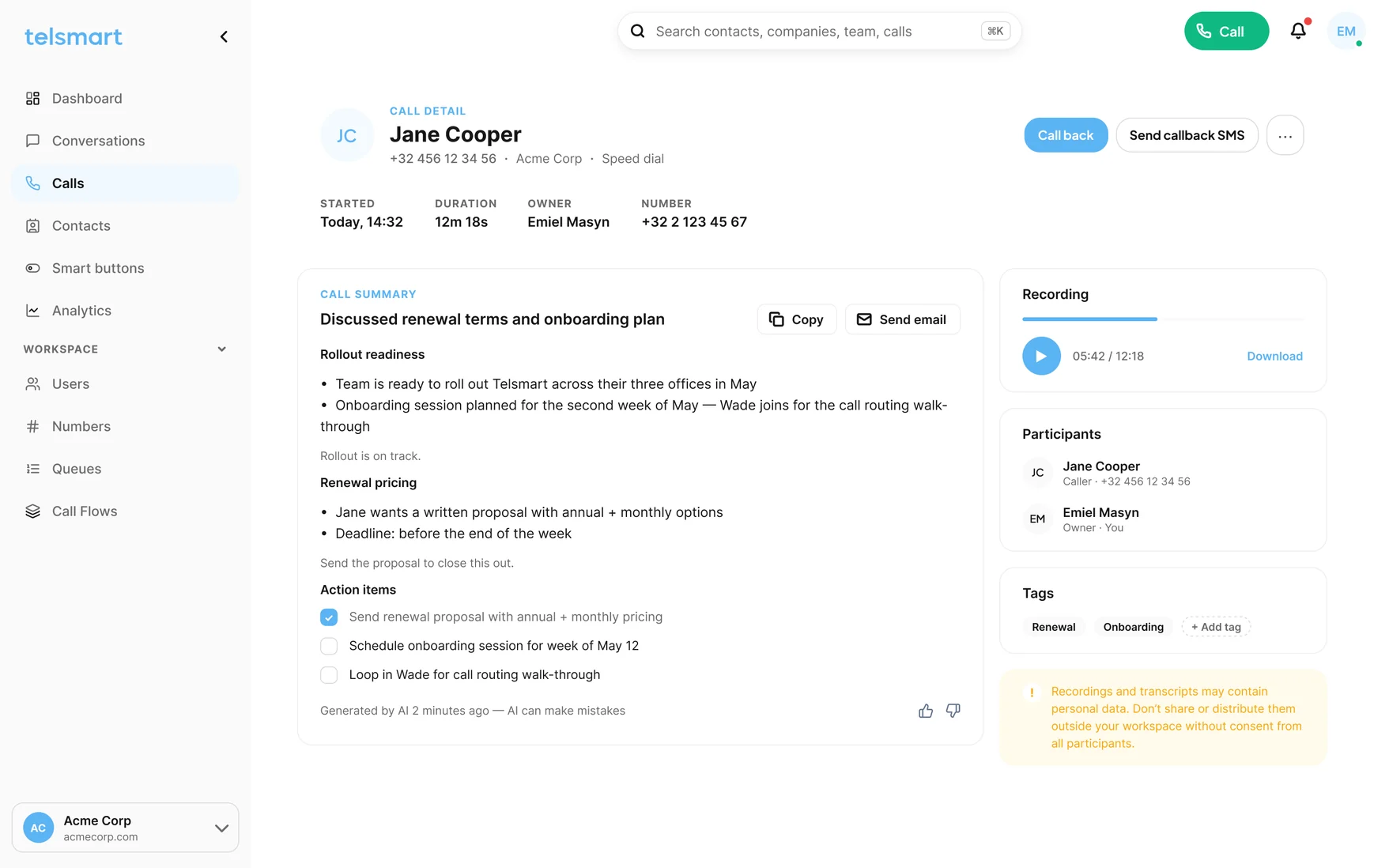
Telsmart puts the last call’s summary in the ticket before the next one rings. Whoever picks up knows what was promised, by whom, and when.

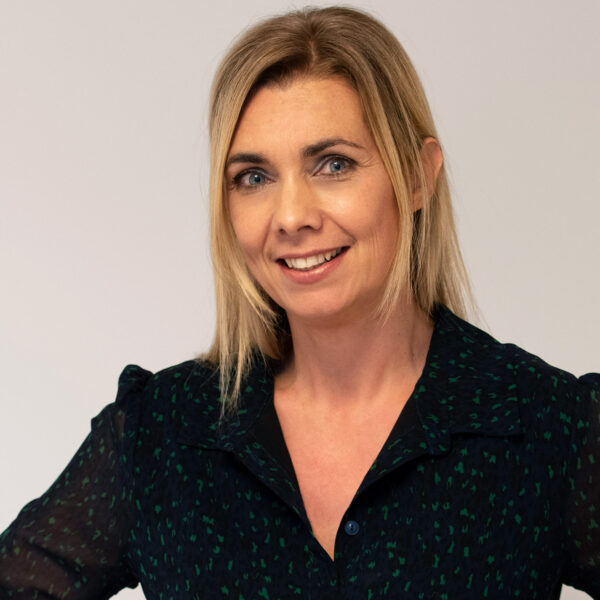
When a call comes in, the number is recognised immediately and the client file opens automatically. Calls are logged automatically too. That saves us a lot of time.

I still think it's fantastic how fast you can change your own call flows with one click. In a meeting this afternoon, so I flip the right button and calls go straight to my colleagues.

We no longer lose time passing along information the client just gave us. It's all right there in the CRM. I can just call handsfree and listen.

At Afimo, we get dozens of calls every day from clients about policies, claims, and new insurance questions. So built in AI note taking in our telephony was a gamechanger for us. It saves us an enormous amount of time, and our client follow-up has noticeably improved.

We've been using Telsmart for over a year now and couldn't be happier. The cloud-based platform is user-friendly and easy to manage, giving us full control and clear insights into our telephony. Support has always been fast and professional. With its modern AI features and seamless apps across all platforms, Telsmart truly represents the telephony of the future.

We used to get a flood of complaints, from staff and customers, that we were unreachable. Telsmart fixed that for us. Being reachable is now a competitive advantage for us.

Setting up a voicemail used to be half a day's work. Now we head off on holiday, rushing, and suddenly remember the phone. We just open the app, switch it over and we are done. It's a breeze.

Telsmart has changed not just the way I work, but my personal life too. The stress of clients calling at moments that don't suit me is gone. I can now automatically route calls, so the client still gets helped when I'm not available.
When the call ends
Not a log line that says a call happened. The question, what was promised, by when and by whom.
Every support call summarized into the ticket or the contact record: the question, what was promised, by when, by whom. Handovers without the retelling, escalations without the archaeology.
See AI call summaries →Ring everyone, ring in order, or queue with music and a message. Six questions and the flow builds itself, with a test call before you switch it on.
When nobody could pick up, the caller gets an SMS with a one-tap Call link from your number. They call back into the desk, not into the void.
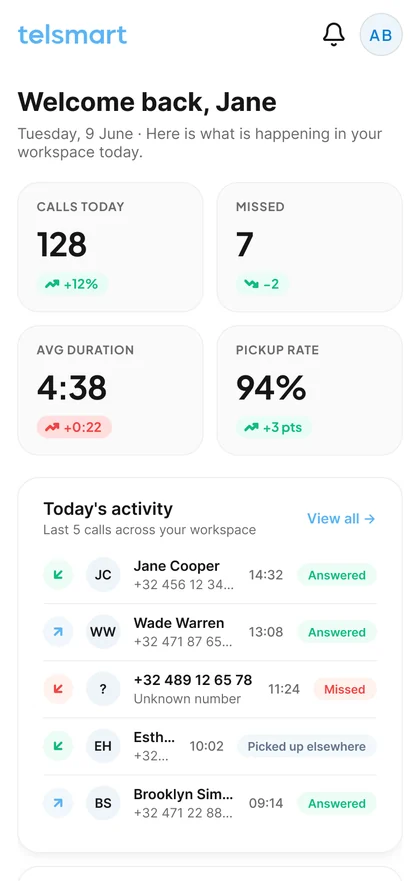
Recordings sit next to the summary in the call history, searchable by name, number or what was said.
“Open”, “Closed”, “Meeting”: a button in the profile menu reroutes every line at once. Flip it back when you are done. No IT ticket.
Calls, recordings and summaries land on the ticket or the contact record. HubSpot today, more connectors keep landing; Zendesk on the Custom plan.
 HubSpot
 Zendesk
 Salesforce
 Microsoft Teams
 Microsoft DynamicsAnd many more
Beyond the summary
Every summary is text your AI assistant can read. Connect the one your team already uses and ask which issues returned this week, or which customers were promised a callback and never got one. The answer comes from the calls themselves, not from the tags someone remembered to set.
 OpenAI
 Claude
 Gemini
 Copilot
 PerplexityGrok
 Your AI assistant · on your call summariesYour AI assistant · on your call summaries
What the caller says, what you read
Not a transcript to scroll through. The question, the promise and the next step, as the next agent will read them.
No installer, no quote, no IT ticket.
HubSpot